
.jpg)
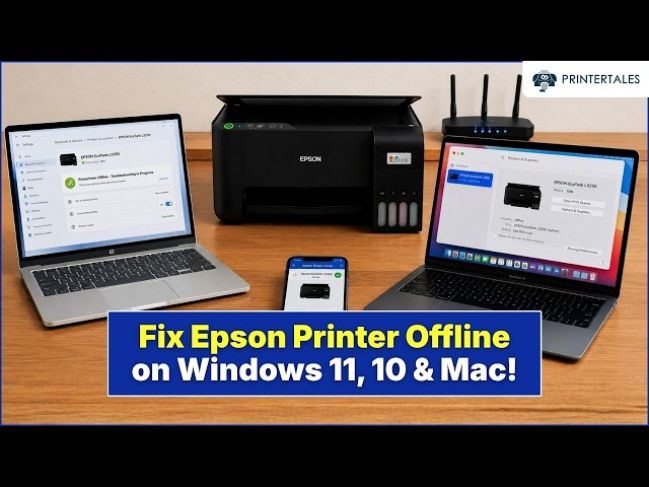
Why Does My Brother Printer Keep Going Offline?
It can be frustrating when your Brother printer keeps going offline while you are trying to print important documents. The printer may work normally for a short time and then suddenly disappear from your computer. When this happens, print jobs remain in the queue, and you have to reconnect the printer before you can print again.
In most cases, this problem is not caused by a faulty printer. It is usually related to communication issues between the printer and your computer. Weak Wi-Fi signals, outdated printer drivers, incorrect printer settings, or temporary software problems are some of the most common reasons.
Common Reasons Your Brother Printer Keeps Going Offline
A printer goes offline when your computer loses communication with it.
Several factors can interrupt this connection, including unstable wireless networks, outdated software, incorrect printer settings, or problems with the print queue.
Identifying the exact cause makes it easier to solve the issue.
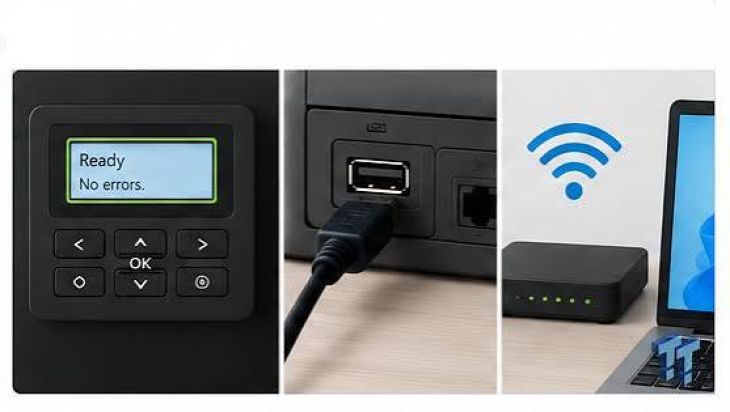
Check the Wi-Fi Connection
-
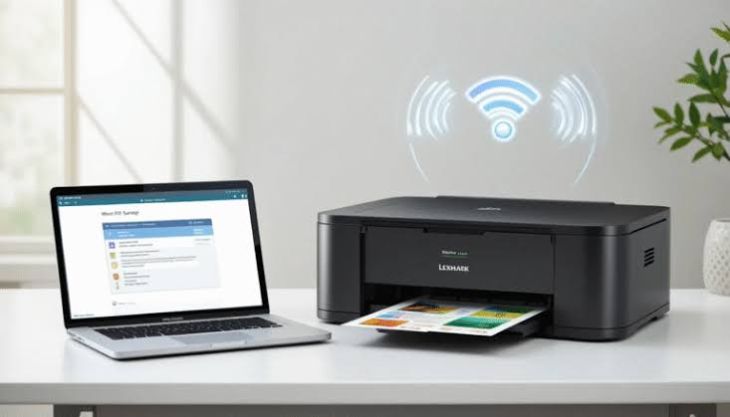
If you use a wireless Brother printer, make sure it has a strong and stable Wi-Fi connection.
-
A weak signal can cause the printer to disconnect repeatedly.
-
Place the printer closer to the wireless router if possible.
Make Sure Both Devices Are on the Same Network
-
Your computer and Brother printer should be connected to the same Wi-Fi network.
-
If either device connects to a different network, the printer may repeatedly appear offline.
Restart the Printer, Router, and Computer
-
Temporary network issues can interrupt communication.
-
Turn off the printer and restart your wireless router.
-
Restart your computer before turning the printer back on.
-
This often restores a stable connection.
Check Printer Settings
-
Open the printer settings on your computer.
-
Make sure your Brother printer is selected as the default printer.
-
Also confirm that Use Printer Offline is turned off.
-
Incorrect settings can cause recurring offline problems.
Clear the Print Queue
-
A stuck print job may stop communication between the printer and your computer.
-
Open the print queue and remove all pending print jobs.
-
After clearing the queue, send a new document to print.
Restart the Print Spooler Service
-
The Print Spooler controls printing tasks in your operating system.
-
If the service stops responding, the printer may keep switching to offline mode.
-
Restarting the service often restores normal printing.
Update the Printer Driver
-
An outdated or damaged printer driver can prevent proper communication.
-
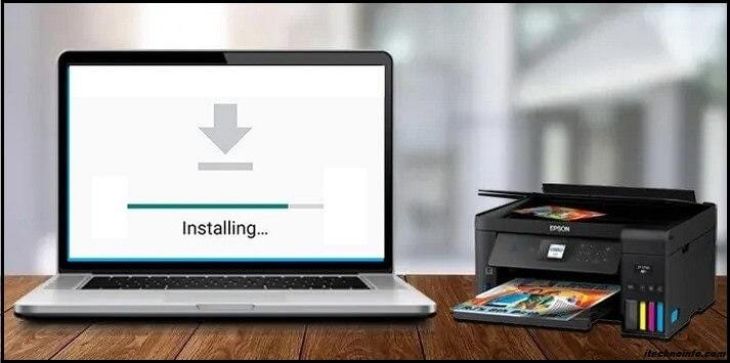
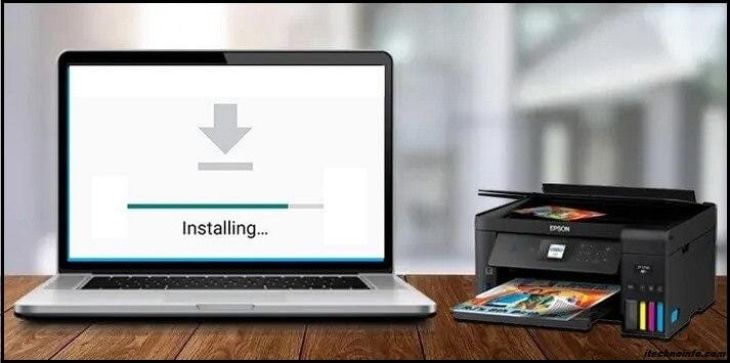
Install the latest driver for your Brother printer model and operating system.
-
Restart your computer after updating the driver.
Update the Printer Firmware
-
Firmware updates improve printer performance and fix known software issues.
-
Keeping the firmware updated helps maintain a stable wireless connection.
Remove and Reinstall the Printer
-
If the offline problem continues, remove the printer from your computer.
-
Restart both the printer and your computer.
-
Add the printer again using the correct setup process.
-
A fresh installation often resolves recurring connection problems.
Check Firewall or Antivirus Software
-
Security software can sometimes block communication between your computer and the printer.
-
Review your firewall or antivirus settings to ensure they are not preventing the printer from connecting.
Print a Test Page
-
After completing the troubleshooting steps, print a test page.
-
A successful print confirms that the printer is communicating properly and is back online.
Other Possible Causes of Repeated Offline Errors
If your printer still goes offline, one of these issues may be responsible:
-
Weak Wi-Fi signal.
-
Printer connected to the wrong network.
-
Outdated printer driver.
-
Outdated printer firmware.
-
Incorrect printer settings.
-
Print queue errors.
-
Print Spooler service problems.
-
Router communication issues.
-
Firewall or antivirus software blocking communication.
-
Temporary software conflicts.
-
Printer installation problems.
-
Network configuration errors.
Checking these possible causes can help you identify the issue more quickly.
Tips to Prevent Brother Printer Offline Problems
Regular maintenance can help prevent future connection issues.
-
Keep the printer close to the wireless router.
-
Update the printer driver regularly.
-
Install firmware updates whenever available.
-
Restart the printer occasionally.
-
Keep your operating system updated.
-
Clear completed print jobs regularly.
-
Check your network settings after changing your router.
-
Print a test page after major software updates.
These simple habits help keep your Brother printer connected and ready to print.
FAQs
Why does my Brother printer keep going offline?
This is usually caused by weak Wi-Fi signals, outdated drivers, incorrect printer settings, communication problems, or a stuck print queue.
Can a weak Wi-Fi signal make my printer go offline?
Yes. A poor wireless connection can interrupt communication between your printer and computer.
Should my printer and computer be connected to the same Wi-Fi network?
Yes. Both devices must be connected to the same wireless network for reliable communication.
Why should I update the printer driver?
An updated printer driver improves compatibility and helps prevent communication problems.
Does firmware affect printer connectivity?
Yes. Firmware updates improve wireless performance, fix software bugs, and increase connection stability.
What should I do if my Brother printer still goes offline?
Restart the printer and router, verify the network connection, update the printer driver and firmware, clear the print queue, reinstall the printer, and print a test page. If the issue continues, further troubleshooting may be required.
Conclusion
A Brother printer that keeps going offline is usually experiencing a communication or software issue rather than a hardware failure. Weak wireless signals, outdated drivers, incorrect settings, and print queue problems are among the most common causes.
By checking the network connection, updating the printer driver and firmware, clearing the print queue, restarting the Print Spooler service, and reinstalling the printer if necessary, you can solve most recurring offline problems.
.jpg)



.jpg)
.jpg)
.jpg)
.jpg)
.jpg)
.jpg)
.png)
.png)
.jpg)
.jpg)
.jpg)
.jpg)
.jpg)
.jpg)
.jpg)
.jpg)
.jpg)