
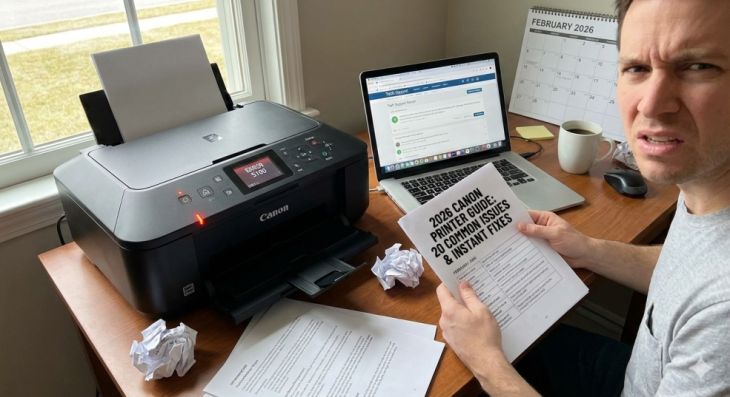
What are the common problems with Canon printers?
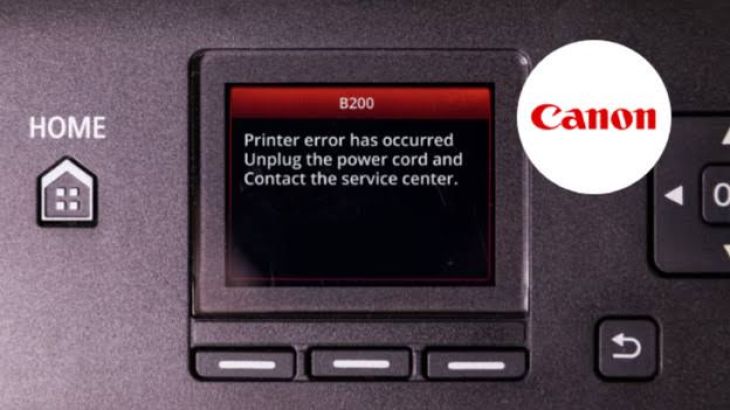
Canon printers are widely used in homes, schools, and workplaces because they offer reliable printing and easy-to-use features. They are suitable for printing documents, photos, assignments, and business files. Like any electronic device, however, Canon printers can sometimes develop problems that interrupt normal printing.
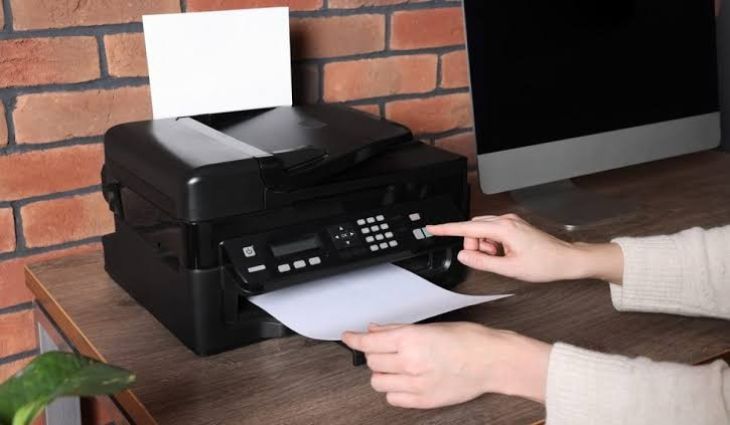
Printer Not Printing
One of the most common Canon printer problems is when the printer does not print at all.
You may send a document from your computer, but the printer does not respond. Sometimes the print job stays in the print queue, while other times the printer appears ready but produces nothing.
This problem may happen because of a connection issue, a stuck print job, an outdated printer driver, or incorrect printer settings.
Start by restarting both the printer and your computer. Check the connection and send a small test document to see if printing resumes.
Printer Showing Offline
-
Another common issue is when the printer shows an offline message.
-
Even if the printer is turned on, your computer may not communicate with it correctly.
-
This can happen because of wireless connection problems, loose cables, outdated drivers, or incorrect printer settings.
-
Check that the printer is connected properly and make sure it is selected as the preferred printer on your computer.
-
Restarting both devices often helps restore communication.
Wireless Connection Problems
-
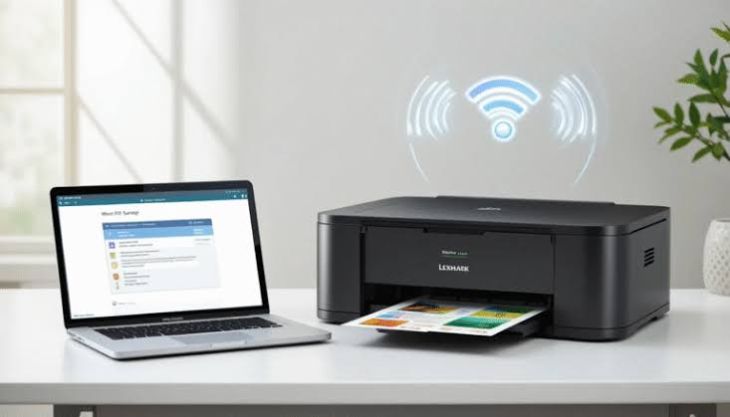
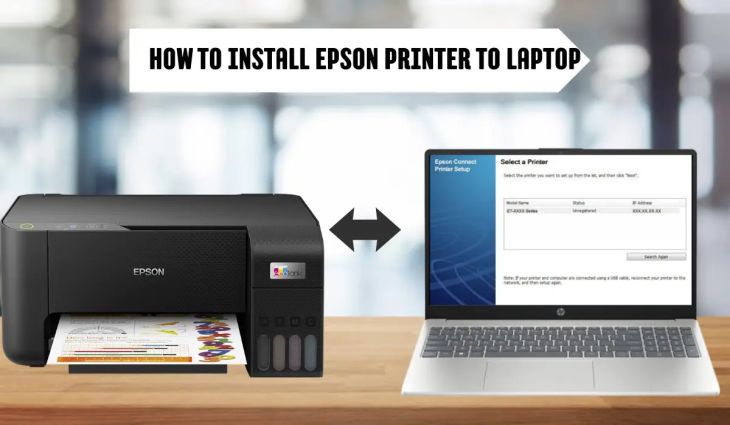
Wireless printing is convenient, but connection problems can interrupt printing.
-
If your Canon printer cannot connect to the wireless network, your computer or mobile phone may not detect it.
-
Make sure the printer and your device are connected to the same wireless network.
-
A weak network signal can also affect communication.
-
Keeping the printer within a strong network range helps improve reliability.
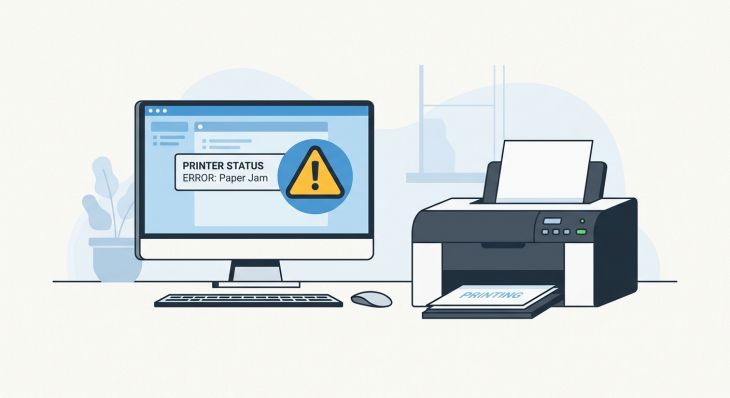
Paper Jam Problems
-
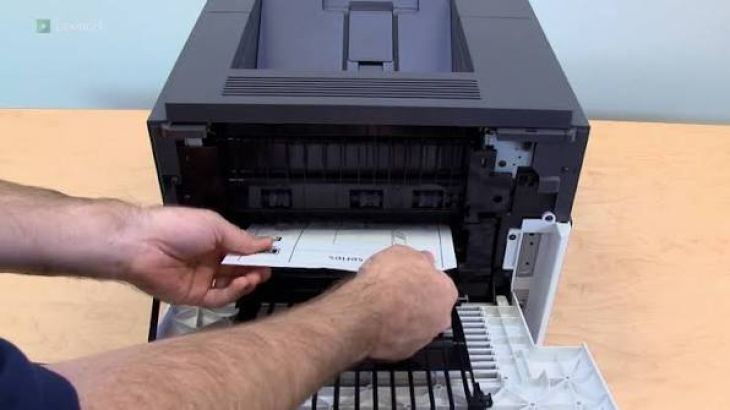
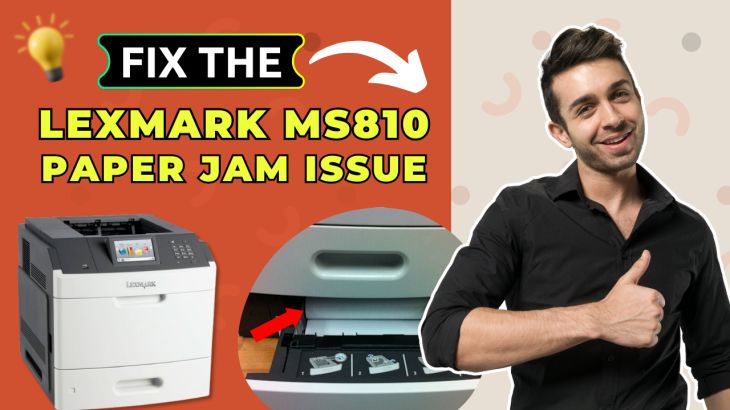
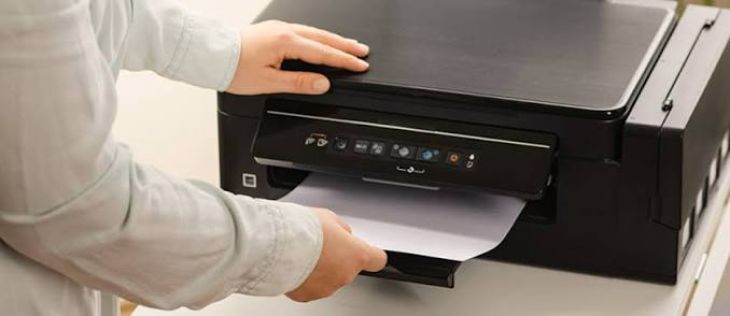
Paper jams are among the most common printer errors.
-
Paper may become stuck inside the printer because it is folded, damaged, or loaded incorrectly.
-
Dust and paper particles on the rollers can also affect paper feeding.
-
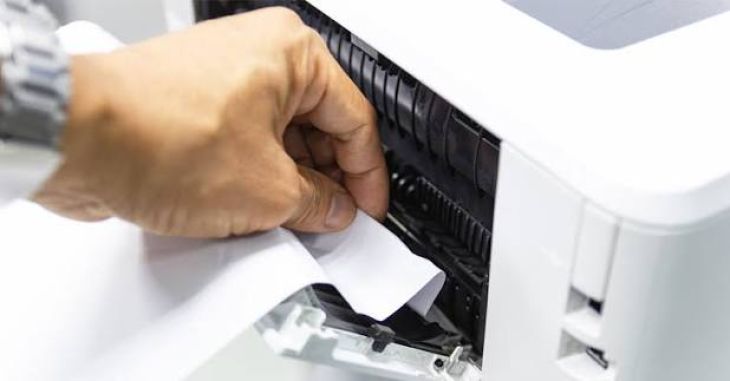
Turn off the printer before removing jammed paper.
-
Pull the paper out gently to avoid tearing it.
-
Check for small paper pieces before closing the printer.
Poor Print Quality
-
Sometimes printed documents appear faded, blurry, streaked, or incomplete.
-
Poor print quality is often caused by low ink, blocked printheads, dirty printer components, or incorrect print settings.
-
Check the ink levels and run the printer's cleaning feature if available.
-
Printing a test page can help determine whether the issue has improved.
-
Regular cleaning helps maintain good print quality.
Blank Pages
-
A Canon printer may print blank pages even though it appears to be working normally.
-
This may happen because of empty ink cartridges, clogged printheads, incorrect print settings, or cartridge installation problems.
-
Check the cartridges and make sure they are installed correctly.
-
Run a printhead cleaning process if necessary.
-
Print another test page to confirm the results.
Ink Cartridge Problems
-
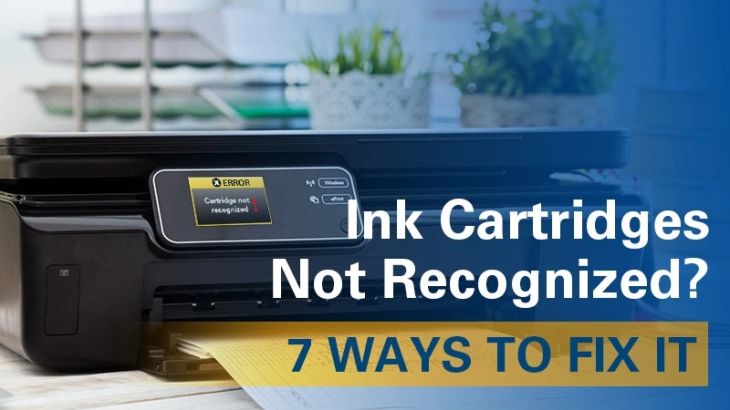
Ink cartridge issues are common in many printers.
-
The printer may not recognize the cartridge or may display an error message.
-
Remove the cartridge carefully and inspect it.
-
Reinstall it securely in the correct position.
-
If the cartridge is empty or damaged, it may need replacement.
-
Proper cartridge installation helps ensure smooth printing.
Slow Printing
-
Sometimes the printer works but prints much more slowly than expected.
-
Large print jobs, high-quality print settings, temporary software problems, or a busy print queue may affect printing speed.
-
Clear unnecessary print jobs and restart the printer.
-
If possible, print a small document to check whether the speed improves.
-
Regular maintenance can help maintain consistent performance.
Printer Driver Problems
-
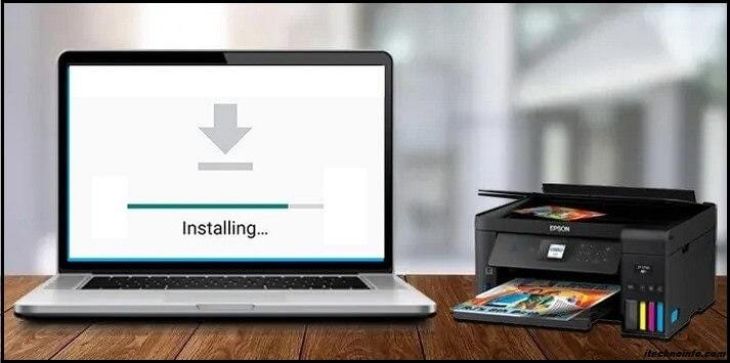
The printer driver allows the computer to communicate with the printer.
-
If the driver becomes outdated or damaged, printing may fail.
-
The printer may appear offline, disappear from the printer list, or stop responding.
-
Updating or reinstalling the printer driver can improve communication.
Print Queue Problems
-
A stuck print job can prevent new documents from printing.
-
Open the print queue and review pending jobs.
-
Remove documents that are no longer needed or have become stuck.
-
Restart the printer before sending another print job.
Mobile Printing Problems
-
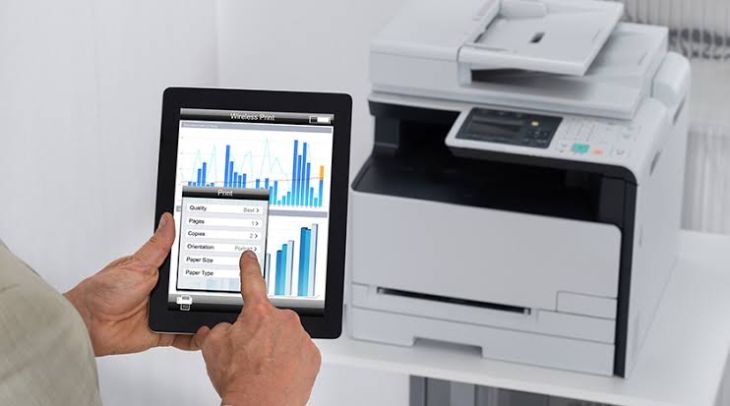
Many people print directly from their mobile phones.
-
Sometimes the phone cannot detect the printer or the print job does not reach the printer.
-
Check that the phone and printer are connected to the same wireless network.
-
Restart both devices and try printing again.
Common Causes of Canon Printer Problems
Common causes include:
-
Paper jams.
-
Printer offline status.
-
Wireless connection problems.
-
Printer not printing.
-
Blank pages.
-
Poor print quality.
-
Ink cartridge errors.
-
Stuck print queue.
-
Printer driver problems.
-
Printer not detected.
-
Temporary software issues.
-
Communication errors.
Understanding these common causes makes troubleshooting easier.
Tips to Prevent Canon Printer Problems
-
Regular printer care can reduce unexpected issues.
-
Keep the printer clean and remove dust from accessible areas.
-
Load paper correctly and avoid using damaged sheets.
-
Check ink levels regularly and replace cartridges when needed.
-
Keep your computer and printer software updated.
-
Restart the printer occasionally to refresh its system.
-
For wireless printers, maintain a stable network connection.
These simple habits can help improve printer performance and reliability.
FAQs
What is the most common problem with Canon printers?
Paper jams, printer offline messages, wireless connection issues, and poor print quality are some of the most common Canon printer problems.
Why is my Canon printer connected but not printing?
The problem may be caused by a stuck print queue, incorrect printer settings, outdated printer software, or a communication issue.
Why does my Canon printer keep showing offline?
A weak network connection, damaged printer driver, or incorrect printer settings may cause the printer to appear offline.
Can ink cartridge problems stop my Canon printer from printing?
Yes. If the cartridge is empty, installed incorrectly, or not recognized by the printer, printing may stop.
Why is my Canon printer printing blank pages?
Blank pages may be caused by low ink, clogged printheads, cartridge problems, or incorrect print settings.
Conclusion
Canon printers are reliable devices, but they can occasionally experience problems such as paper jams, offline status, wireless connection issues, poor print quality, cartridge errors, and print queue problems.


.jpg)
.jpg)





.jpg)
.jpg)
.jpg)
.jpg)
.jpg)
.jpg)
.png)
.png)

.jpg)
.jpg)
.jpg)
.jpg)
.jpg)
.jpg)

.jpg)


.jpg)
.jpg)