
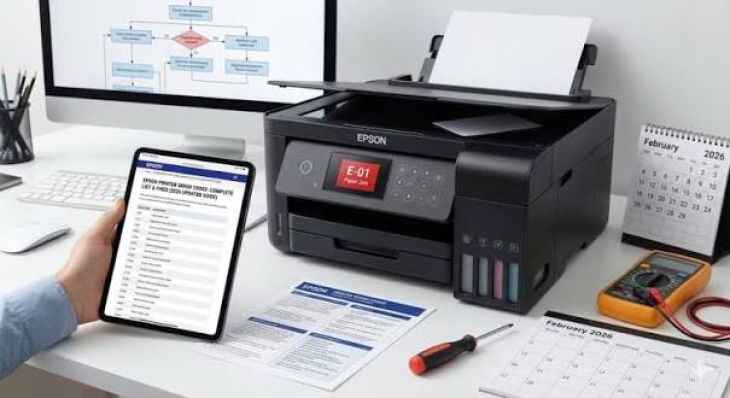
What are common Epson printer error codes?
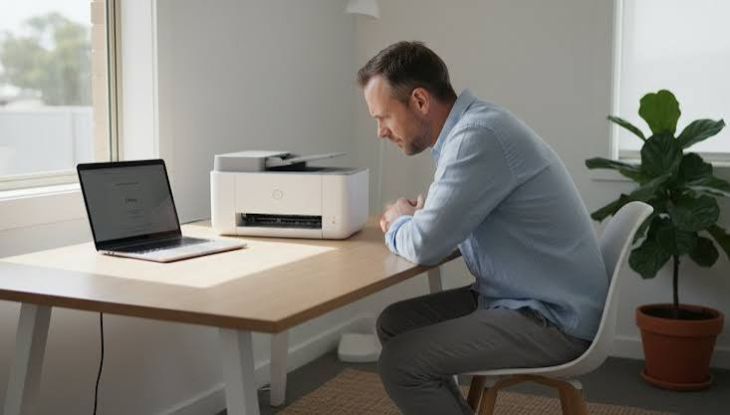
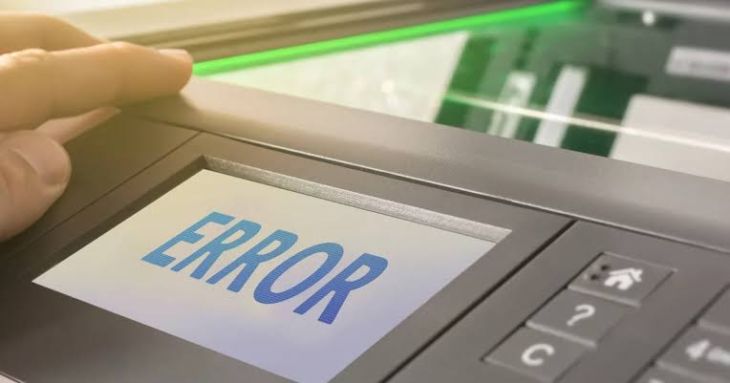
Epson printers are known for their reliable performance, excellent print quality, and wide range of features for home and office use. Like any electronic device, however, they may occasionally display error codes that interrupt printing. These error messages are designed to inform users that the printer has detected a problem requiring attention.
Why Do Epson Printer Error Codes Appear?
Your Epson printer continuously monitors its internal components while printing. If it detects a problem, it displays an error code to help identify the issue.
Common reasons include:
-
Paper jams
-
Empty or improperly installed ink cartridges
-
Print head problems
-
Wireless connection issues
-
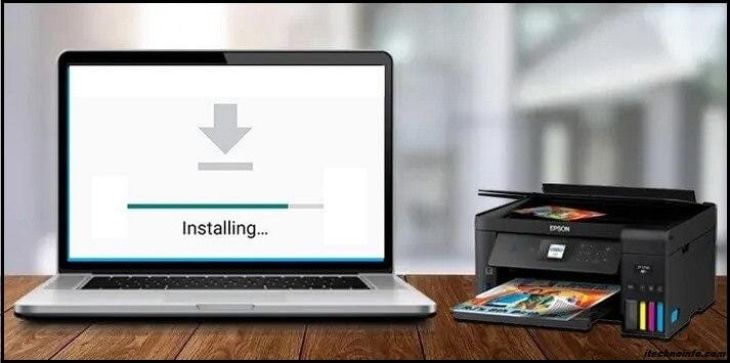
Outdated printer drivers
-
Firmware issues
-
Hardware communication problems
-
Maintenance requirements
-
Internal printer errors
-
Temporary software glitches
Identifying the cause makes troubleshooting much easier.
Common Epson Printer Error Codes
Several Epson printer error codes appear more frequently than others. Although the exact meaning may vary depending on the printer model, these are some of the issues users commonly encounter.
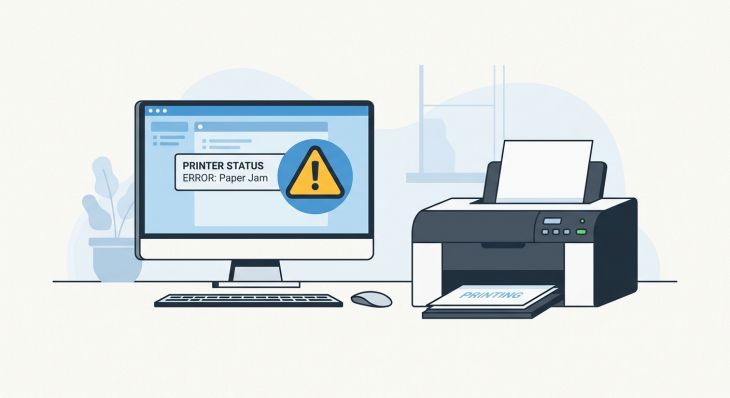
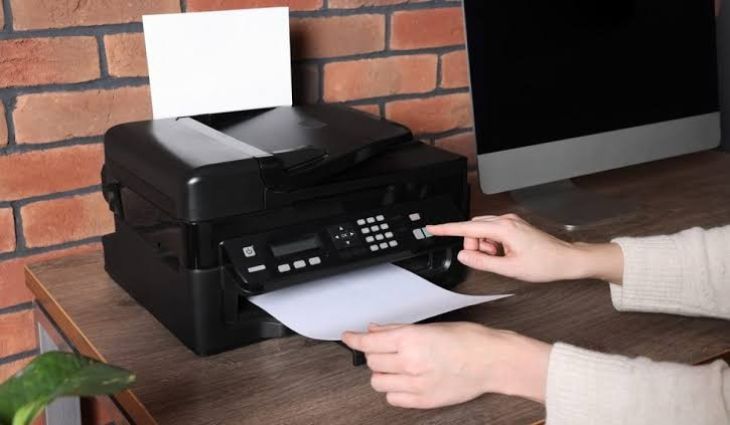
Paper Jam Error
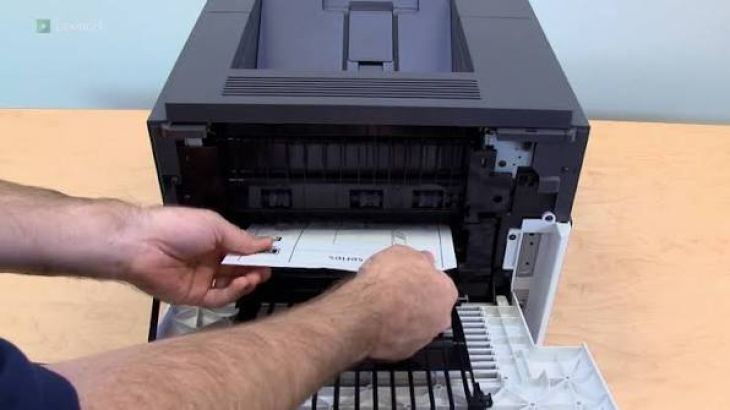
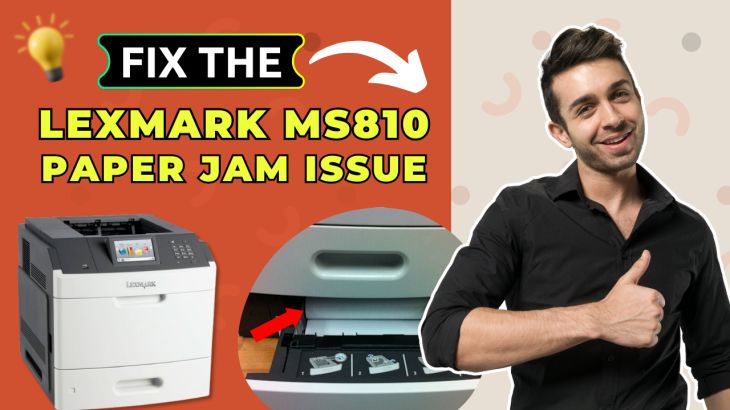
This error appears when the printer detects paper that is stuck inside the paper path.
Possible causes include:
-
Misaligned paper
-
Torn paper pieces
-
Overloaded paper tray
-
Incorrect paper size
-
Foreign objects inside the printer
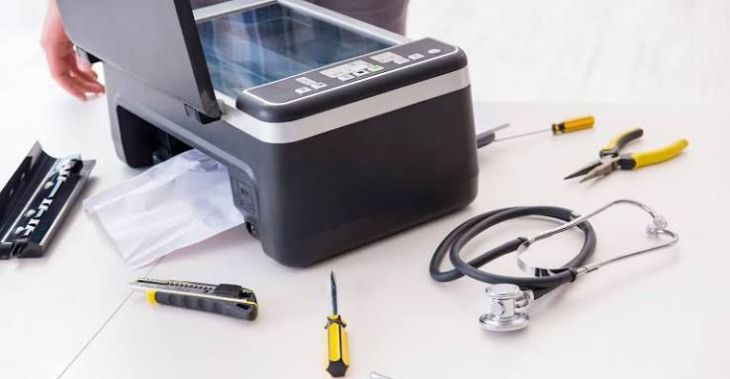
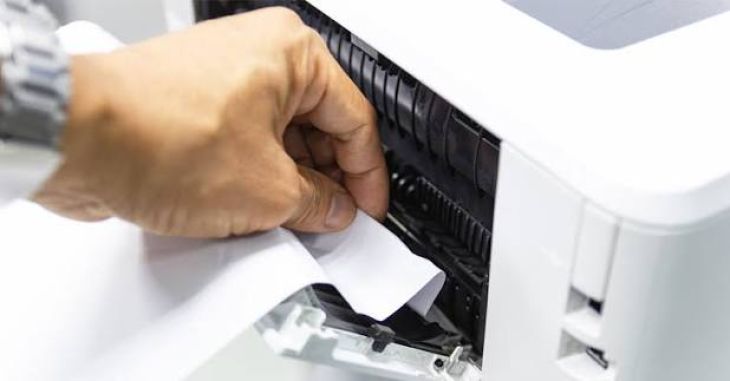
Carefully inspect the printer and remove any jammed paper before restarting the printer.
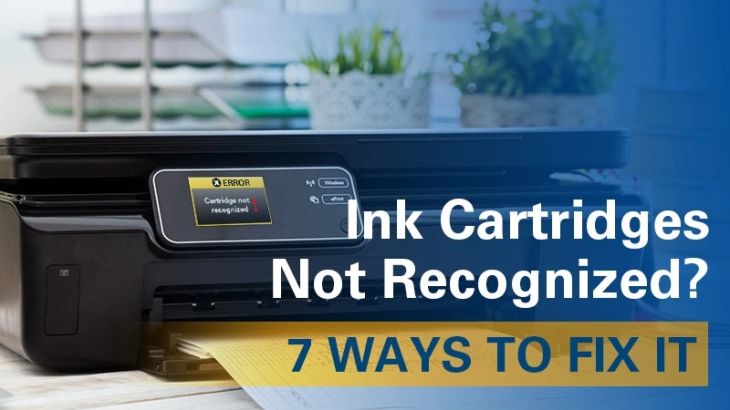
Ink Cartridge Error
An ink cartridge error usually indicates that the printer cannot recognize one or more cartridges.
Possible causes include:
-
Improper cartridge installation
-
Incompatible cartridges
-
Dirty cartridge contacts
-
Damaged cartridges
-
Empty cartridges
Reinstall the cartridges carefully and verify that they are compatible with your printer model.
Print Head Error
The print head is responsible for transferring ink onto the paper.
Common causes include:
-
Clogged nozzles
-
Dry ink
-
Poor maintenance
-
Internal print head problems
Running the printer's cleaning function often improves print quality.
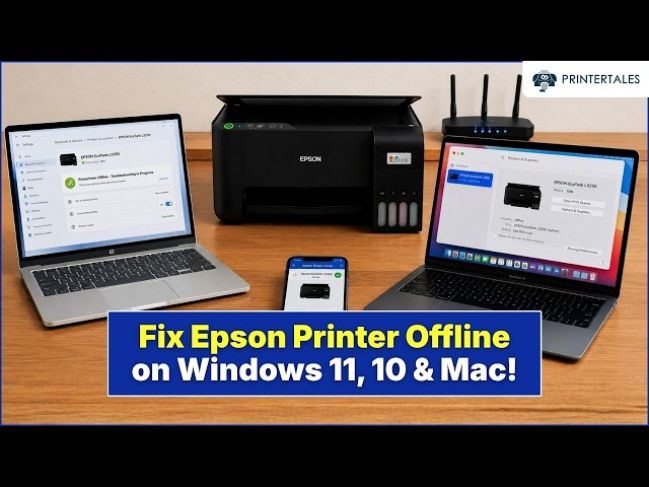
Communication Error
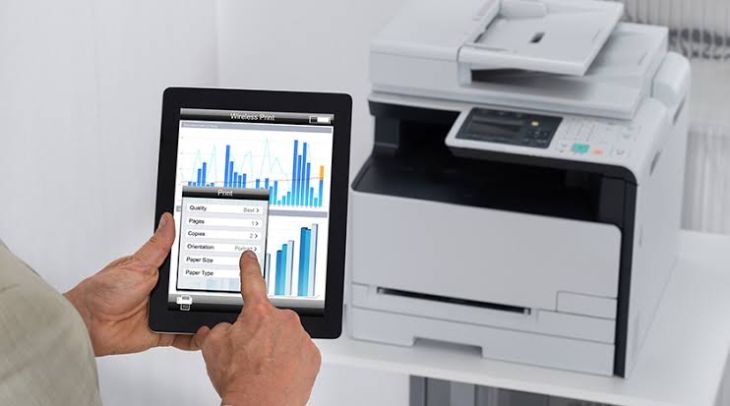
Communication errors occur when the printer cannot communicate properly with the connected computer or mobile device.
Possible causes include:
-
Weak wireless connection
-
Loose cable connections
-
Outdated printer drivers
-
Temporary software issues
-
Network interruptions
Restarting both devices often restores communication.
Maintenance Error
-
Some Epson printers display maintenance-related messages after extended use.
-
These alerts remind users that routine maintenance may be required to maintain optimal performance.
-
Cleaning the printer and reviewing maintenance settings can often resolve these messages.
Internal Printer Error
An internal error may appear when the printer detects a temporary malfunction.
This may result from:
-
Temporary software conflicts
-
Internal communication problems
-
Unexpected interruptions during printing
Restarting the printer frequently resolves temporary internal errors.
Restart the Printer
-
A simple restart can clear temporary software issues.
-
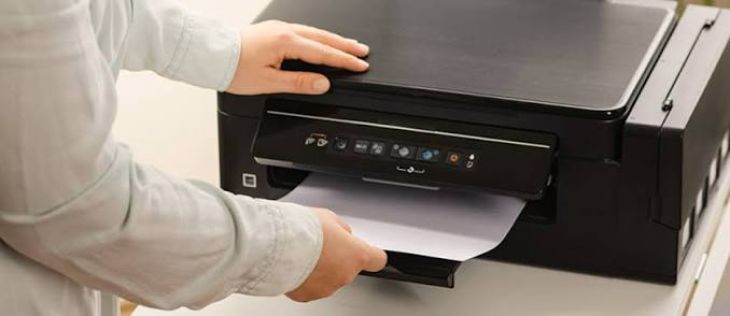
Turn the printer off, wait briefly, and then turn it back on.
-
Restarting refreshes the printer's internal system and often clears minor error messages.
Check for Paper Obstructions
Inspect the paper path carefully.
Look for:
-
Jammed paper
-
Torn paper pieces
-
Dust buildup
-
Foreign objects
Removing obstructions helps restore normal operation.
Inspect the Ink Cartridges
Review each ink cartridge carefully.
Ensure that:
-
Each cartridge is installed correctly.
-
The cartridges are compatible.
-
The cartridge contacts are clean.
-
The cartridges are not damaged.
Proper cartridge installation improves printer reliability.
Update the Printer Driver
Outdated printer drivers may contribute to communication errors.
Keeping the driver updated improves:
-
Compatibility
-
Stability
-
Printing performance
-
Overall reliability
Restart your computer after updating the driver.
Update Printer Firmware
Firmware updates improve printer functionality.
Keeping firmware current helps improve:
-
Stability
-
Security
-
Compatibility
-
Error handling
Restart the printer after completing firmware updates.
Print a Test Page
After troubleshooting, print a test page.
A successful test confirms that:
-
The printer is operating normally.
-
Communication has been restored.
-
Print quality is acceptable.
-
The error has been resolved.
Testing helps verify the solution.
Perform Routine Printer Maintenance
Routine maintenance helps reduce future error messages.
Regular maintenance includes:
-
Cleaning the printer
-
Updating printer drivers
-
Installing firmware updates
-
Monitoring ink levels
-
Reviewing printer settings
Routine care improves long-term performance.
Tips to Prevent Epson Printer Errors
Following good maintenance habits helps reduce future printer issues.
Keep Printer Drivers Updated
Current drivers improve communication and stability.
Install Firmware Updates
Updated firmware improves printer performance.
Use Compatible Ink Cartridges
Proper cartridges improve reliability.
Clean the Printer Regularly
Routine cleaning reduces maintenance problems.
Handle Paper Carefully
Use appropriate paper and avoid overloading the tray.
Restart the Printer Occasionally
Restarting refreshes internal processes.
Common Mistakes to Avoid
Avoid these common mistakes:
-
Ignoring printer error messages
-
Overloading the paper tray
-
Using incompatible ink cartridges
-
Ignoring firmware updates
-
Skipping routine printer cleaning
-
Leaving paper scraps inside the printer
-
Using outdated printer drivers
-
Ignoring maintenance reminders
Avoiding these mistakes helps improve printer reliability.
FAQs
Why does my Epson printer display an error code?
Error codes appear when the printer detects a problem such as a paper jam, cartridge issue, communication problem, maintenance requirement, or temporary software error.
Can restarting the printer clear error codes?
Yes. Restarting the printer often resolves temporary software or communication issues that trigger error messages.
Why should I update my printer driver?
Updated drivers improve compatibility, communication, stability, and overall printing performance.
Can incompatible ink cartridges cause printer errors?
Yes. Incompatible or improperly installed cartridges may trigger cartridge recognition errors and prevent printing.
How can I prevent Epson printer error codes?
Keep your printer clean, update drivers and firmware regularly, use compatible ink cartridges, handle paper correctly, monitor maintenance reminders, restart the printer occasionally, and perform routine printer maintenance.
Conclusion
Epson printer error codes are designed to identify problems before they become more serious. Most errors are related to paper jams, cartridge recognition, print head maintenance, communication issues, or temporary software problems rather than major hardware failures.
.jpg)
.jpg)



.jpg)
.jpg)
.jpg)
.jpg)
.jpg)
.jpg)
.png)
.png)
.jpg)
.jpg)
.jpg)
.jpg)
.jpg)
.jpg)
.jpg)
.jpg)
.jpg)