
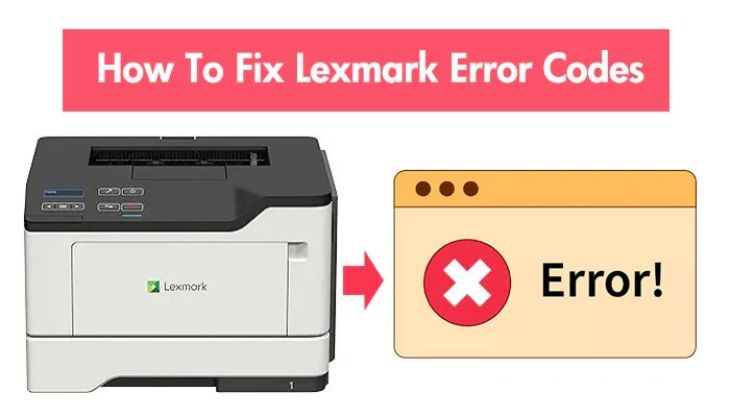
What is the most common error in lexmark printers?
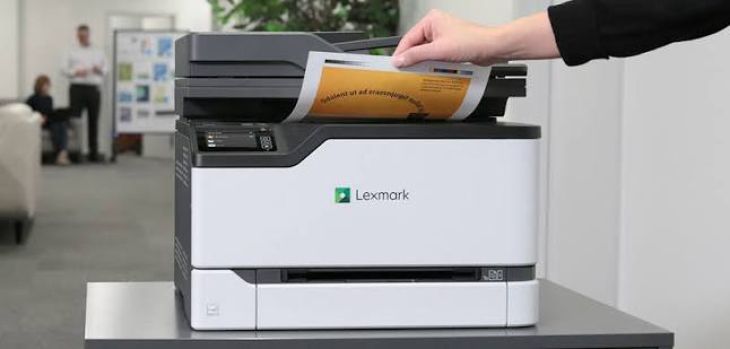
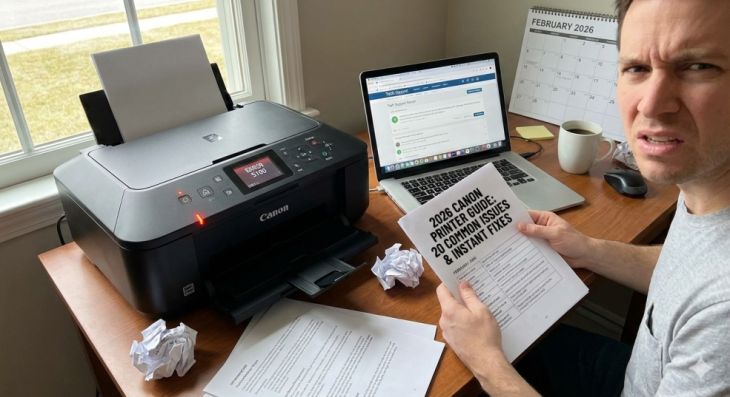
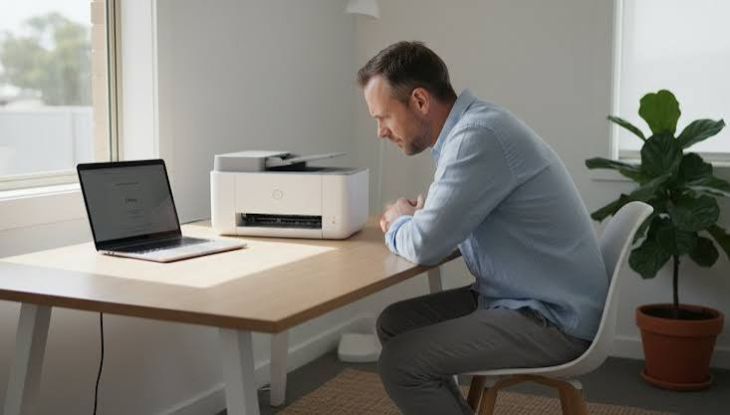
Lexmark printers are popular for home, office, and business use because they offer reliable performance and good print quality. They are designed to handle everyday printing tasks with ease. However, like any printer, they can sometimes develop problems that interrupt printing. An unexpected error message or a printer that suddenly stops working can be frustrating, especially when you need to print an important document.
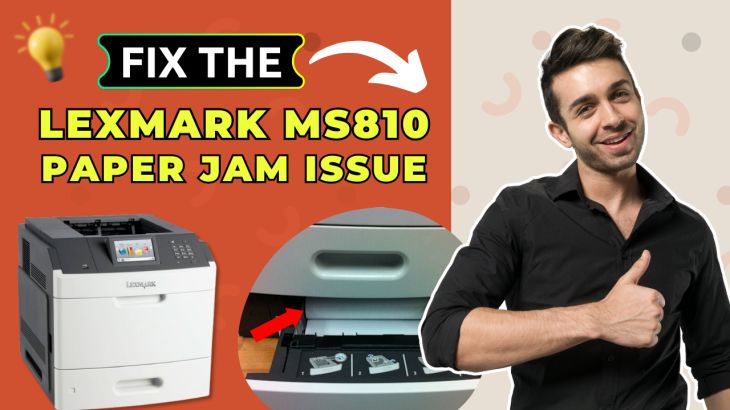
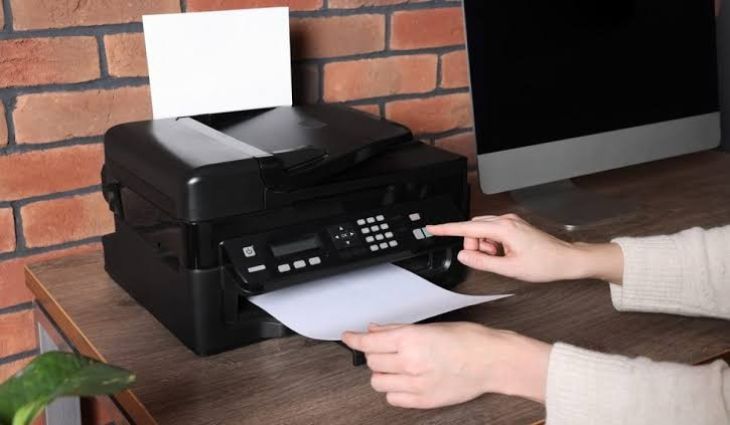
Paper Jam Errors
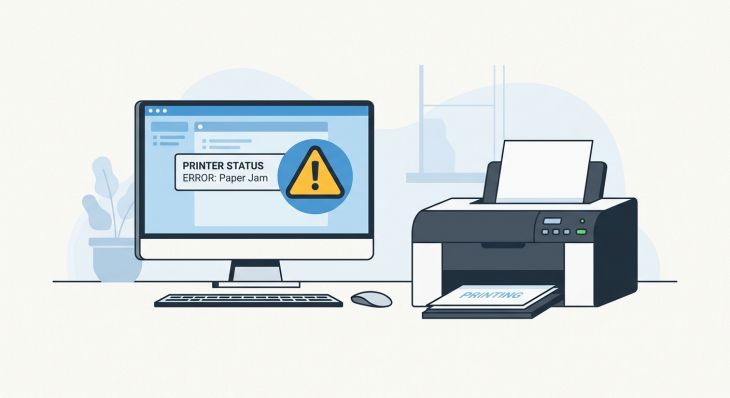
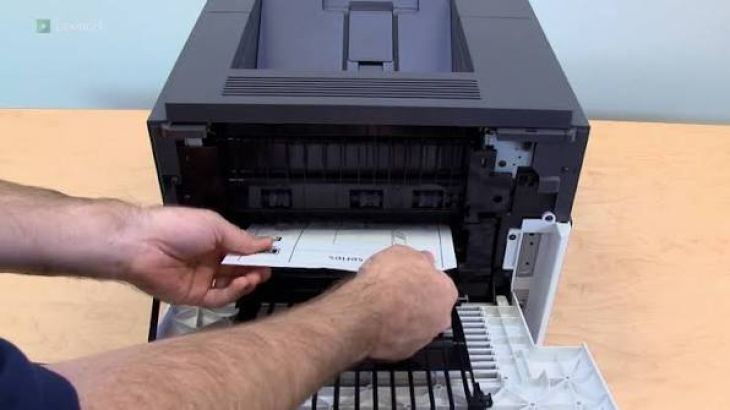
A paper jam is one of the most common errors in Lexmark printers.
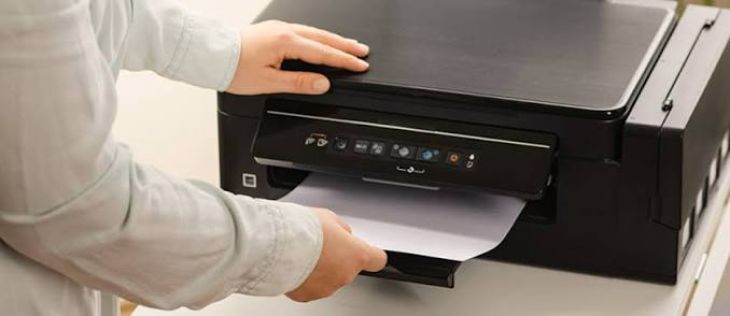
A paper jam happens when a sheet of paper becomes stuck while moving through the printer. The printer detects that the paper is not feeding correctly and stops the printing process to prevent damage.
Paper jams often occur because the paper is loaded incorrectly, the sheets are folded, or dust has collected on the paper rollers.
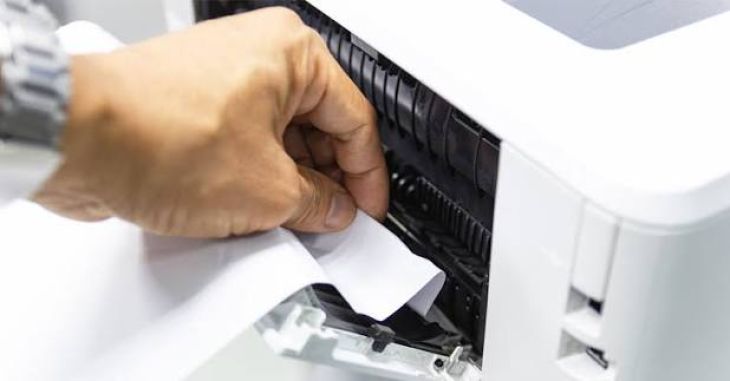
To fix the problem, turn off the printer and carefully remove any jammed paper. Check the entire paper path for small pieces of torn paper before turning the printer back on.
Loading clean and properly aligned paper can help prevent future paper jams.
Printer Showing Offline
-
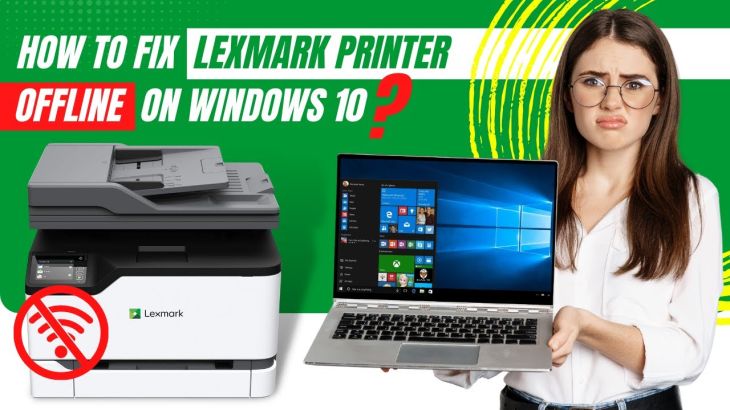
Another common Lexmark printer problem is the offline message.
-
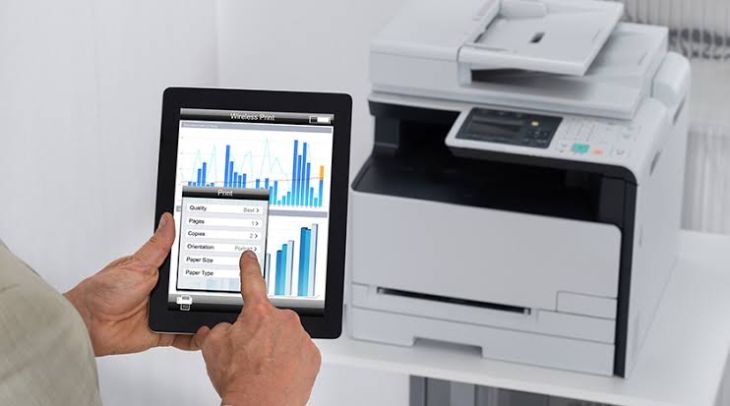
The printer may be turned on and connected, but the computer may still show that it is unavailable.
-
This usually happens because of communication problems, wireless network issues, incorrect printer settings, or temporary software errors.
-
Restart the printer and your computer, then check the connection and printer status.
-
If the printer is connected wirelessly, make sure both devices are using the same wireless network.
Printer Not Printing
-
Sometimes a Lexmark printer appears ready, but nothing prints.
-
The document may remain in the print queue or disappear without producing a printed page.
-
This issue can be caused by a stuck print job, connection problem, printer settings, or driver issue.
-
Clear the print queue, restart the printer, and send a simple test document to check whether printing resumes.
Poor Print Quality
-
Poor print quality is another common problem.
-
Printed pages may appear faded, blurry, streaked, or contain missing text.
-
Low toner, dirty printer components, or incorrect print settings may cause these problems.
-
Check the toner level and clean accessible printer parts if necessary.
-
Printing a test page can help determine whether the problem has been resolved.
-
Regular maintenance helps keep print quality consistent.
Toner Cartridge Problems
-
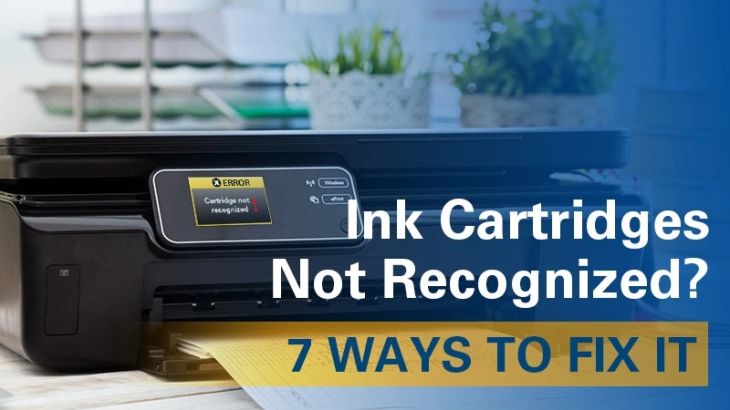
Lexmark printers may sometimes display toner cartridge errors.
-
The printer may not recognize the cartridge or may display a warning message.
-
Open the cartridge compartment and make sure the toner cartridge is installed correctly.
-
If necessary, remove and reinstall the cartridge carefully.
-
A damaged or empty cartridge may require replacement.
-
Proper cartridge installation helps ensure reliable printing.
Paper Feeding Problems
-
Sometimes the printer struggles to pull paper from the tray.
-
Paper feeding problems may occur because of overloaded trays, damaged paper, or dirty paper rollers.
-
Remove the paper from the tray and inspect it.
-
Reload the paper neatly and adjust the paper guides correctly.
-
Keeping the rollers clean can improve paper movement.
Wireless Connection Problems
-
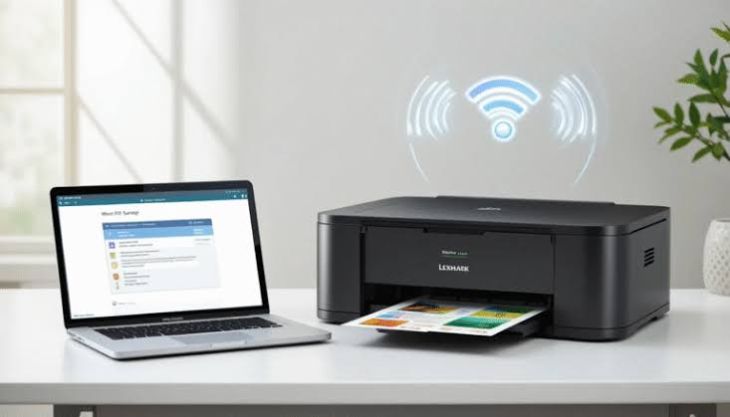
Wireless printing offers convenience, but network problems can interrupt communication.
-
If the wireless signal is weak, the printer may disconnect from the network.
-
Make sure the printer and computer are connected to the same wireless network.
-
Keeping the printer within a strong network range helps maintain a stable connection.
-
Restarting the printer and network equipment may also improve communication.
Printer Driver Problems
-
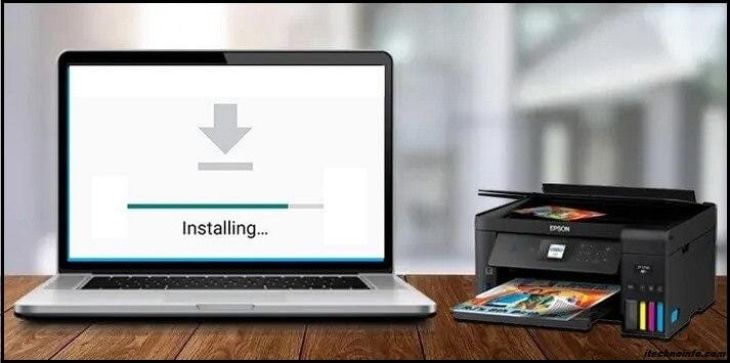
The printer driver allows your computer and Lexmark printer to communicate.
-
If the driver becomes outdated or damaged, the printer may stop responding or appear offline.
-
Review the printer driver settings on your computer.
-
Updating or reinstalling the driver may restore communication.
-
Restart both the printer and computer after making changes.
Print Queue Errors
-
A damaged print job can block all remaining documents.
-
Open the print queue and review pending documents.
-
Cancel any print jobs that are stuck.
-
Restart the printer and send a new test document.
-
Keeping the print queue clear helps prevent printing delays.
Common Causes of Lexmark Printer Errors
Many printer problems have simple causes.
Common causes include:
-
Paper jams.
-
Printer offline status.
-
Printer not printing.
-
Toner cartridge problems.
-
Poor print quality.
-
Wireless connection issues.
-
Printer driver problems.
-
Stuck print queue.
-
Paper feeding problems.
-
Printer not detected.
-
Temporary communication errors.
-
Printer maintenance needs.
Checking these areas can help identify the source of the problem.
Tips to Prevent Lexmark Printer Errors
-
Proper printer care can reduce many common problems.
-
Keep the printer clean and remove dust from accessible areas.
-
Load paper carefully and avoid damaged sheets.
-
Check toner levels regularly.
-
Keep your computer and printer software updated.
-
Maintain a stable connection between the printer and your devices.
-
Restart the printer occasionally to refresh its system.
-
Clear old print jobs when they are no longer needed.
These simple habits help improve printer performance and reduce unexpected interruptions.
FAQs
What is the most common error in Lexmark printers?
A paper jam is one of the most common errors in Lexmark printers. It happens when paper becomes stuck while moving through the printer.
Why does my Lexmark printer keep showing offline?
The printer may be experiencing a communication problem, weak wireless connection, incorrect settings, or a driver issue.
Why is my Lexmark printer not printing?
A stuck print queue, connection problem, toner issue, or outdated printer driver may prevent printing.
Can toner cartridge problems cause printer errors?
Yes. A toner cartridge that is empty, damaged, or installed incorrectly can stop the printer from working properly.
How can I prevent paper jams in my Lexmark printer?
Use clean paper, load it correctly, avoid overfilling the paper tray, and keep the paper rollers clean.
Conclusion
A paper jam is one of the most common errors in Lexmark printers, but it is not the only issue users may face. Offline messages, connection problems, print quality issues, toner cartridge errors, and print queue problems can also interrupt printing.

.jpg)
.jpg)



.jpg)
.jpg)
.jpg)
.jpg)
.jpg)
.jpg)
.png)
.png)

.jpg)
.jpg)
.jpg)
.jpg)
.jpg)
.jpg)
.jpg)

.jpg)
.jpg)